
Just tired, or time for the vet?
Your dog or cat can’t tell you what changed. PawLife keeps their meals, weight, stool and vet papers in one place, so a bad day stands out against their usual and you know what to ask the vet.

What you get tonight
Log one meal
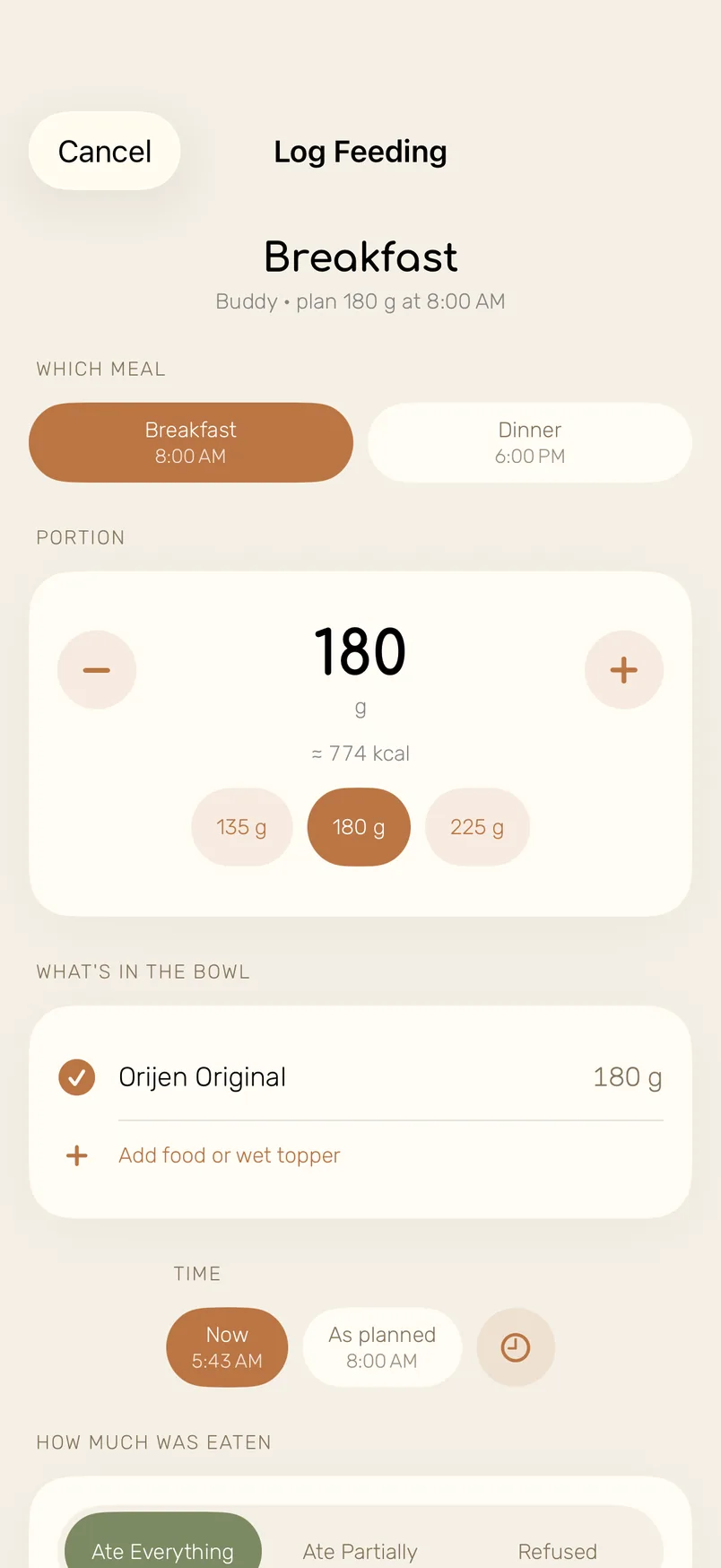
Tap ate it all, part or refused. The rest of today’s portions adjust.
The evening check-in
Meals, mood and stool for each pet, about two minutes before bed.
An assistant that knows them
It has read the profile, the plan and the vet papers before you ask.
The whole picture, kept for you
Each thing you log lands on the same timeline. Here is what that looks like in the app, screen by screen.
-
A plan that adds up to the gram
Daily calories and portions come from weight, age, breed and activity. Then log a meal in one tap: ate everything, ate part, refused. If breakfast came back half eaten, dinner is recalculated, never more than one and a half portions.
-
Weight, stool and urine on one timeline
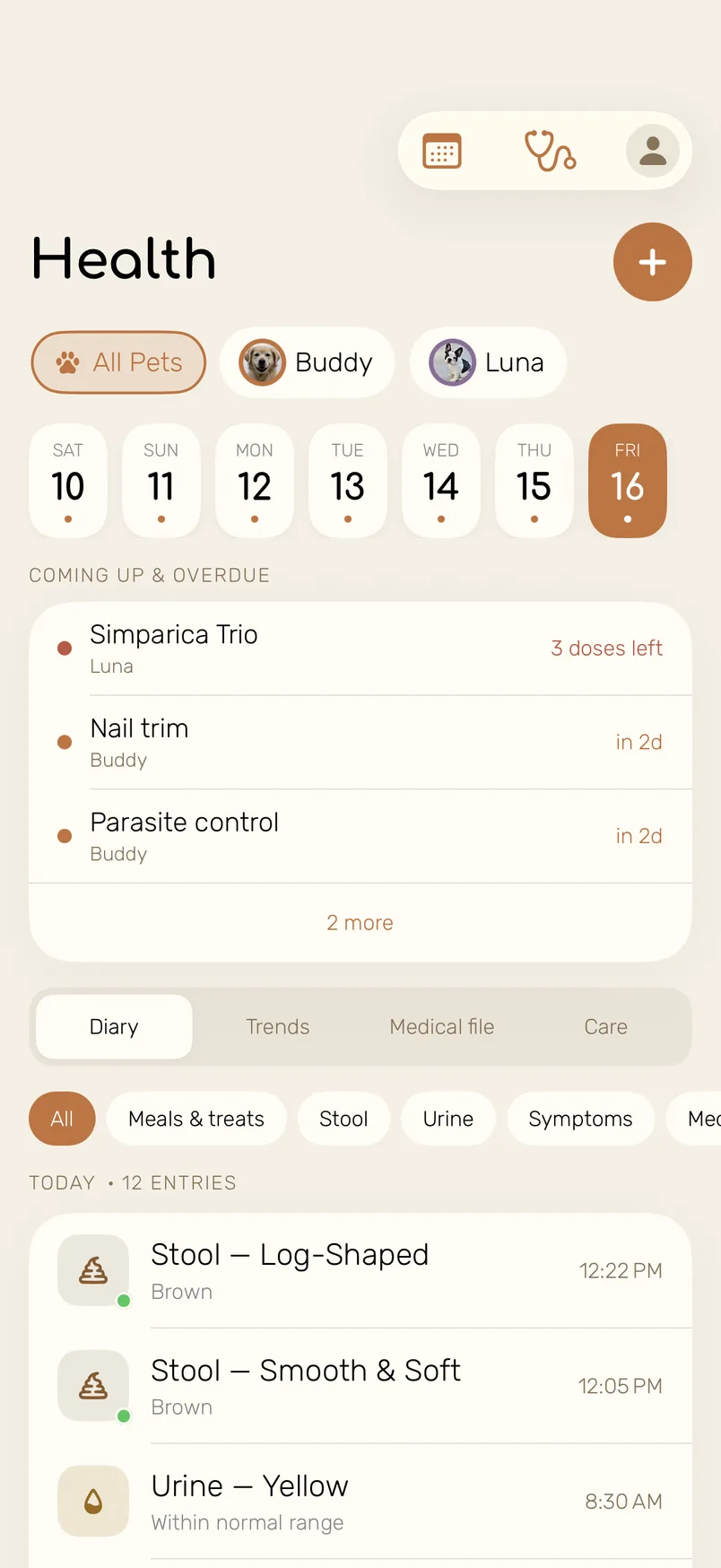
Upcoming care at the top, the day’s entries below. Filter by stool or urine and you can tell whether today is new or just their usual.
-
The flea tablet rides with breakfast
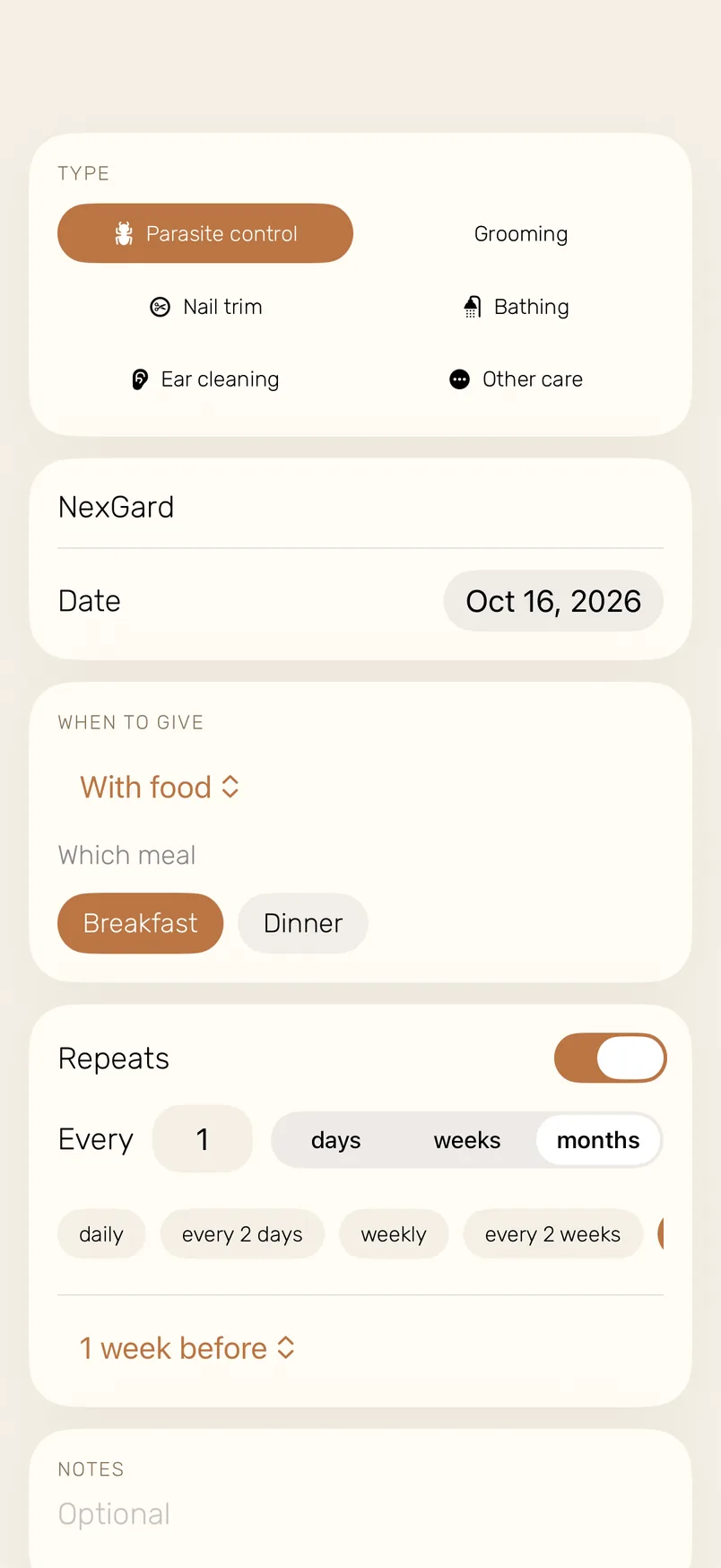
Set parasite control or a supplement to be given with a meal. Marking the meal marks the dose, and the next one repeats on schedule with a reminder a week before.
-
Family at home, a sitter when you’re away
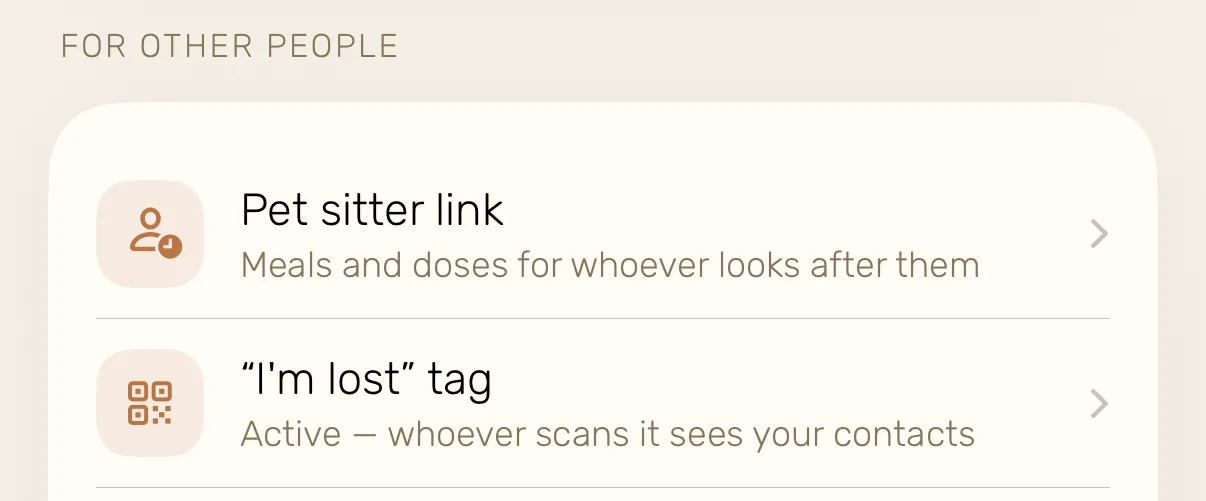
Invite the household and everyone sees the same plan and who fed the dog. Going away? Send the sitter a link that opens in any browser with the meals, doses and a Fed button.


Can they eat this? Check first
501 foods rated separately for dogs and for cats, each with the reason. The most dangerous ones open into what happens and what to do.

Photograph the label, skip the typing
The scanner reads brand, calories and the nutrition panel off the bag and fills in the food card. You check the numbers and save.

Two minutes before bed
One card per pet, the same few questions every evening. That is how a change shows up on day two instead of day ten.


It has already read the file
Ask about a symptom, a food or a lab value. The assistant starts from your pet’s own records, so you don’t retell the backstory at eleven at night.
- Documents
- Send a photo of a passport or a discharge summary and it offers to file it, with the date and type.
- Lab results
- A blood panel becomes values with their reference ranges, and the trend shows which ones moved.
- Plain next steps
- A short answer, what to do now and when to see a vet. It never diagnoses and never stands in for your vet.

More of the app, up close
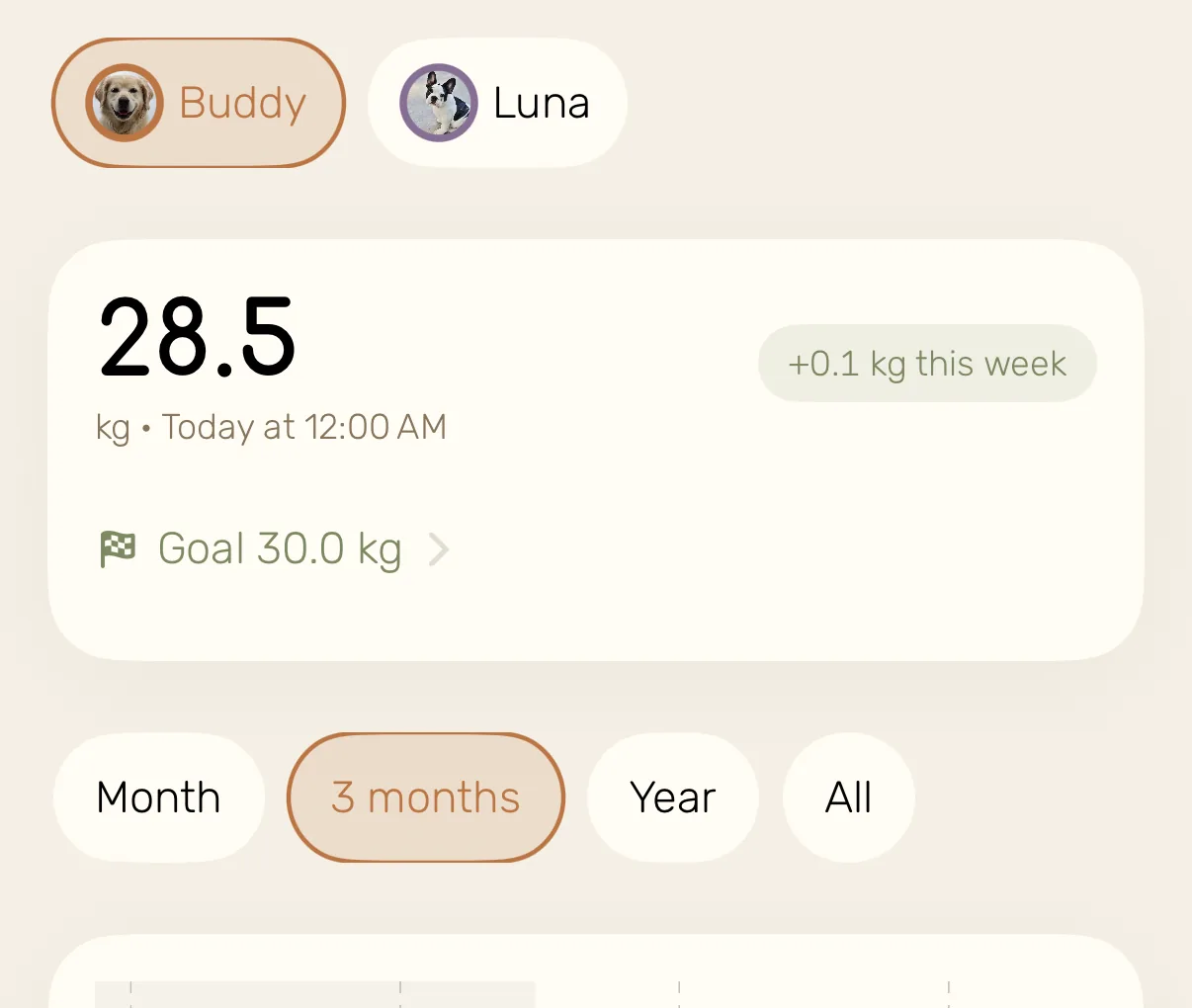
Weight goal How much is left and when you’ll get there.
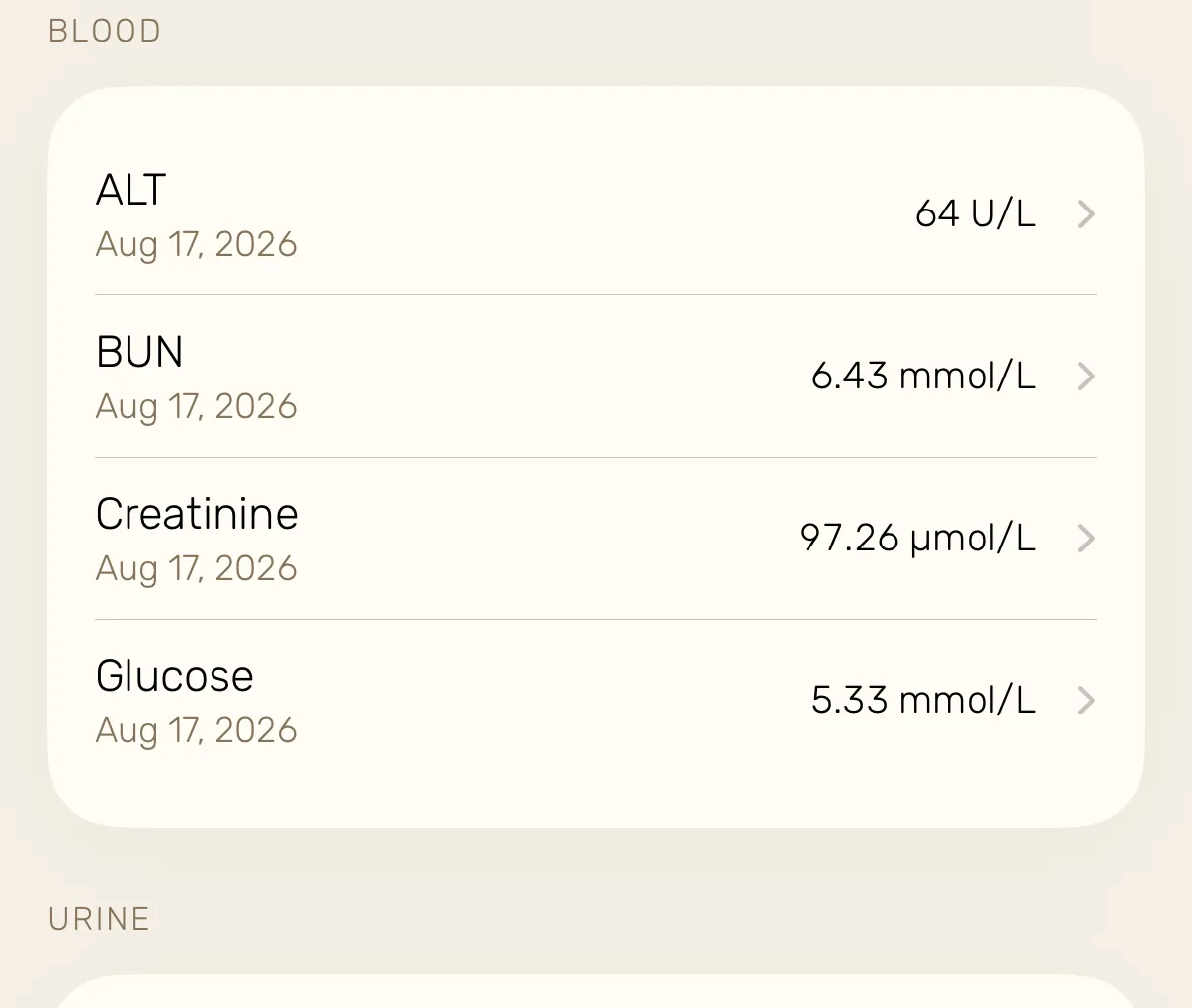
Lab trends Every value across visits, against its range.
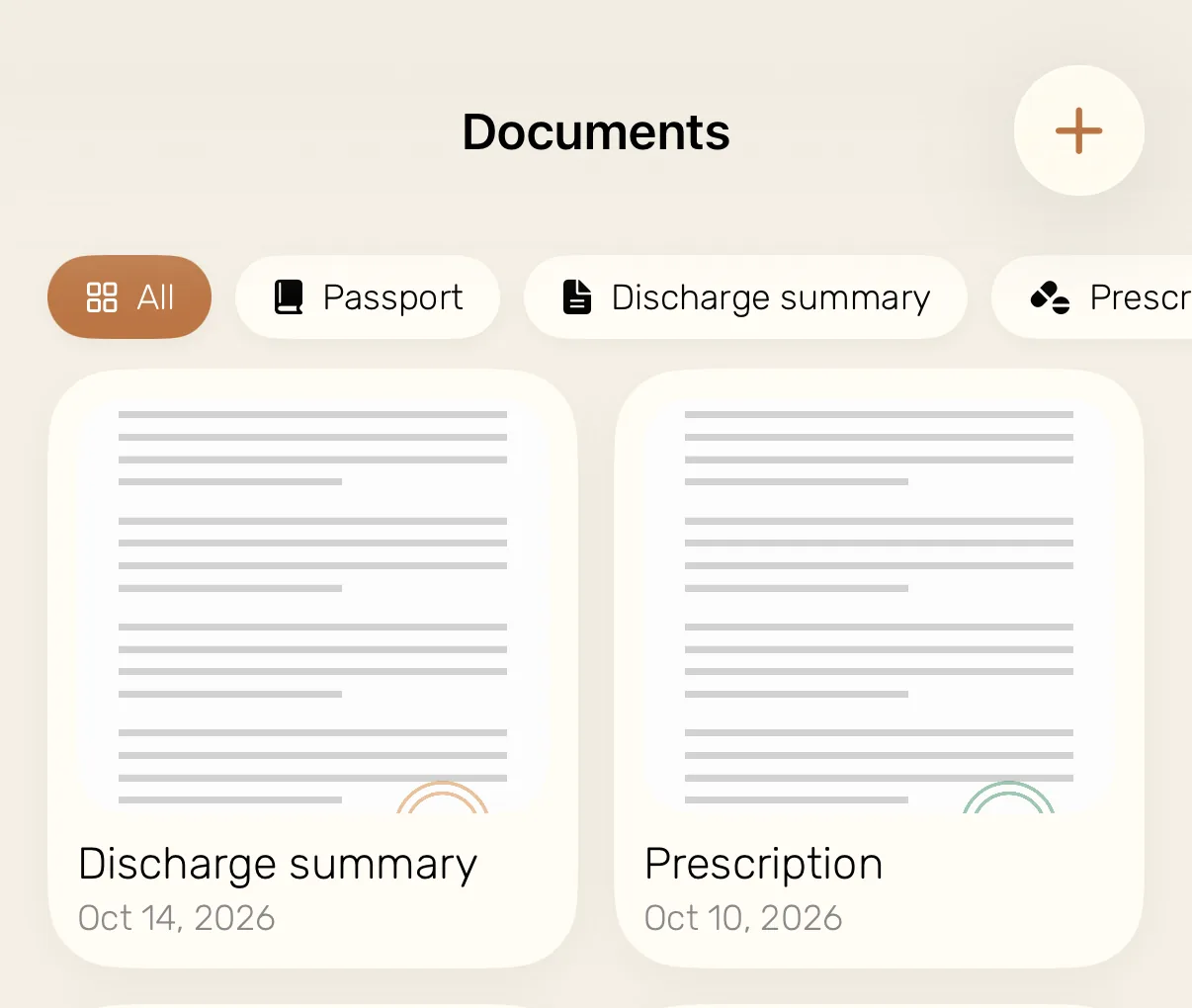
Documents Passport, prescriptions, insurance, with PDF import.
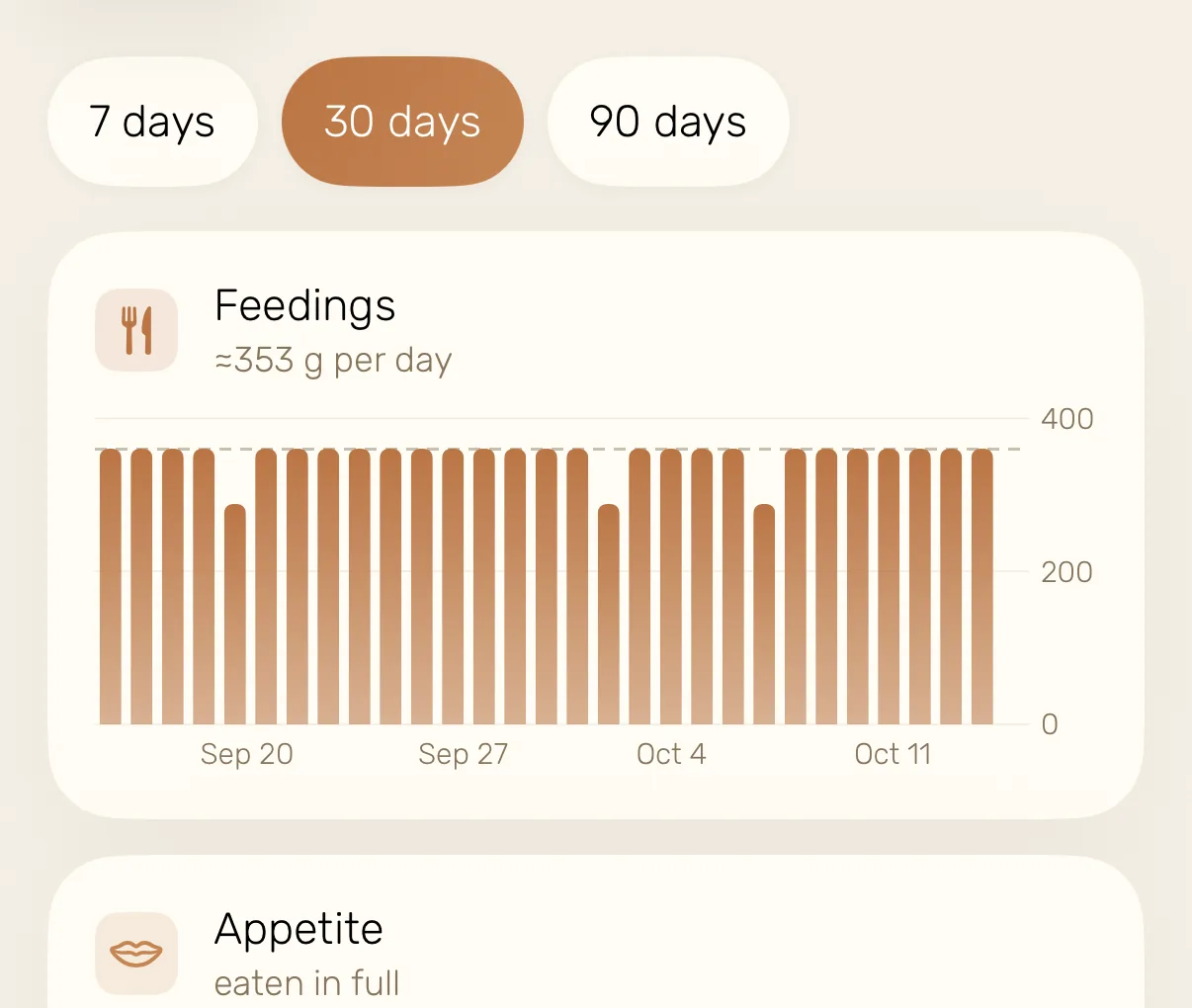
Trends 7, 30 or 90 days of meals, appetite and calories.
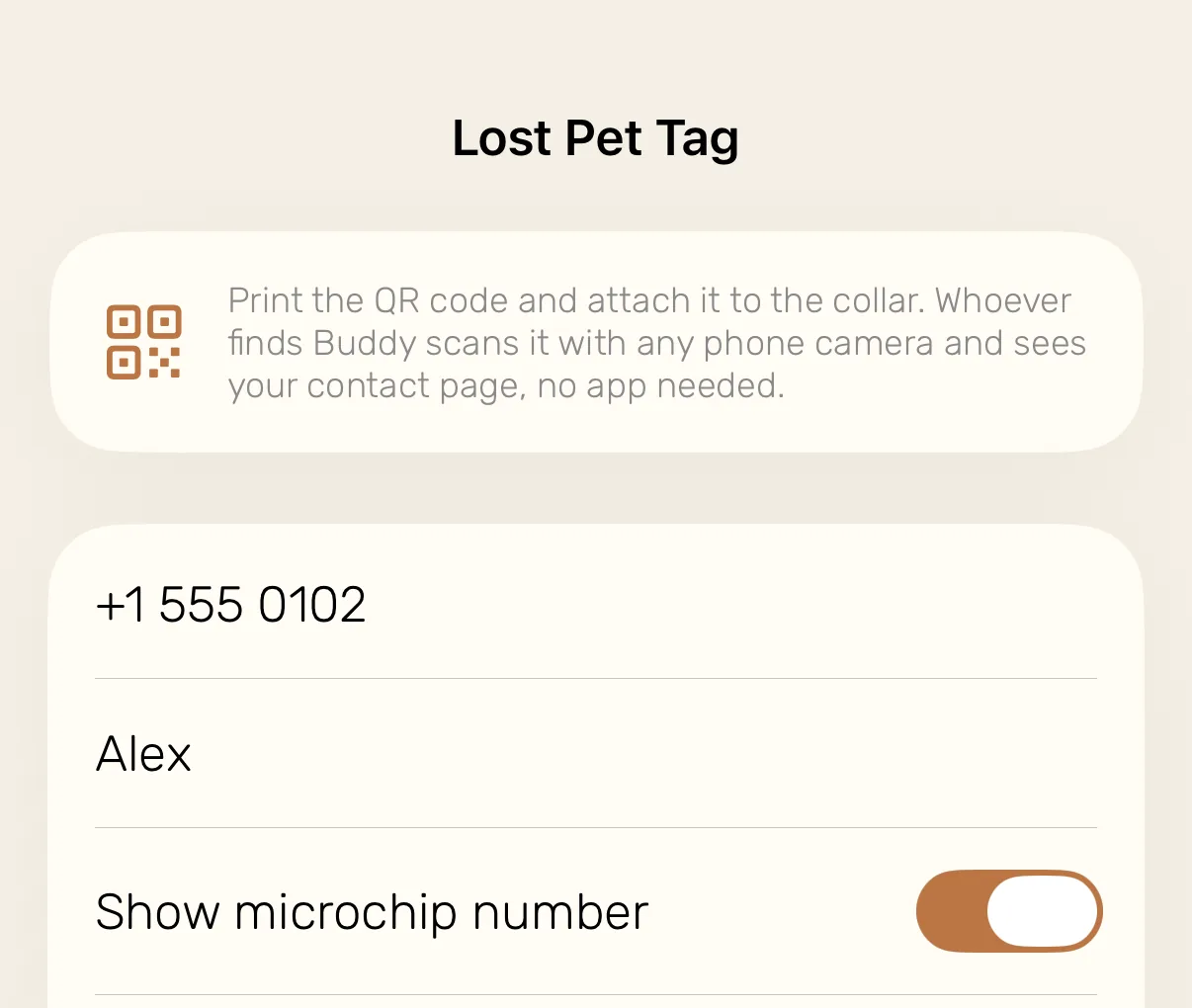
Lost-pet QR tag Free. Any phone camera opens your contact page.
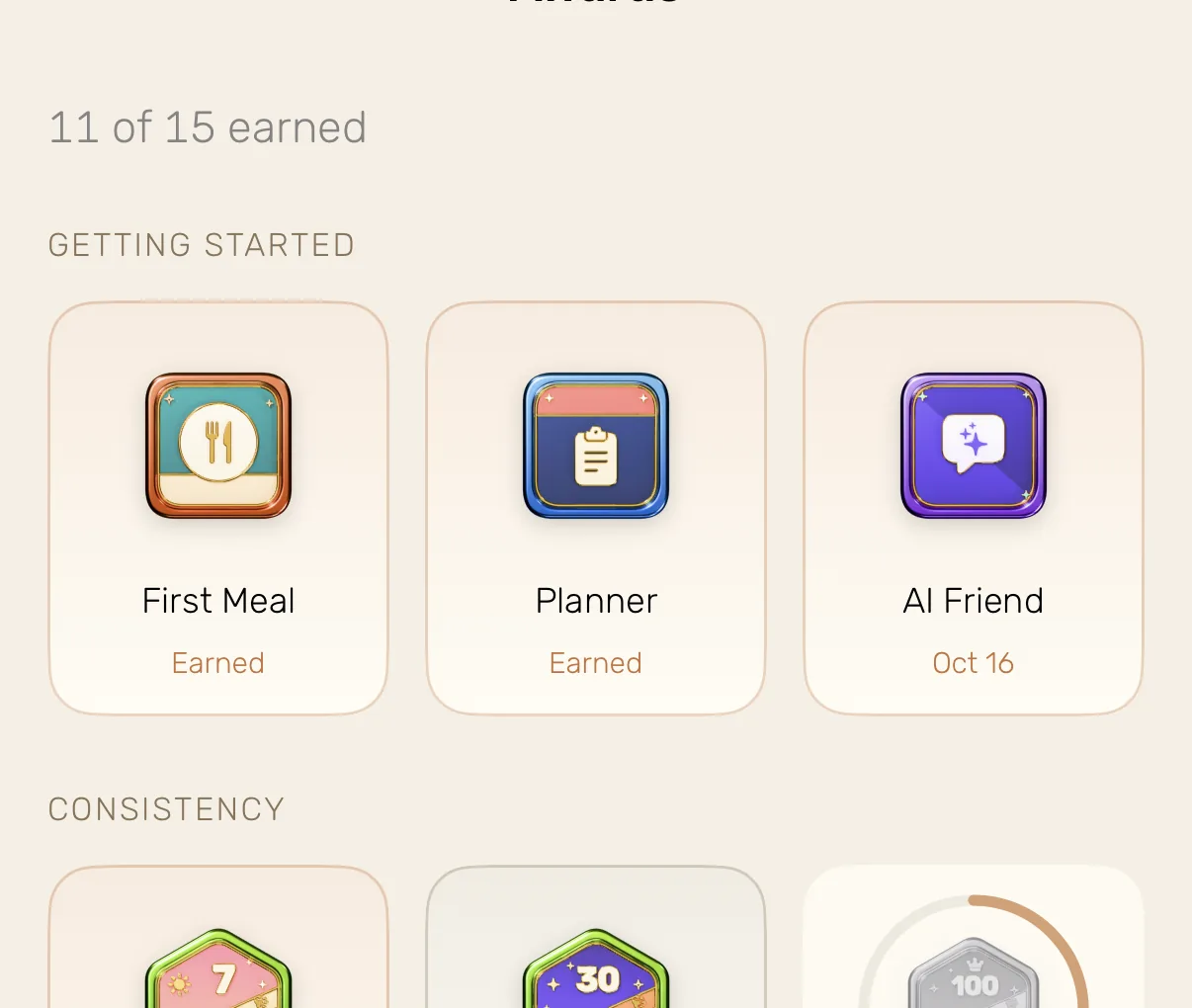
Awards Small medals for keeping the habit going.


Log a meal on one phone and it shows on every phone in the household.
Three things people ask first
Is it for cats too?
Yes. Dogs and cats each get their own feeding math, symptoms, wording and food ratings. A cat isn’t treated as a small dog.
Who sees the data?
You and the people you invite. Records sync to your account so they survive a new phone, and you can export or delete them. The app uses analytics to learn which screens work. Privacy policy
What does it cost?
The free plan covers one pet for good. Pro is $3.99 a week for more pets, the full assistant, family sharing and the scanners.
Free, or Pro at $3.99 a week
Free, for good
One pet profile, feeding plans, the food safety database, health diary, stool and urine tracking, medical records, medication tracker, text journal, weight charts and goals, the lost-pet QR tag, care reminders, 3 documents, 10 questions to the assistant and 2 label or vet-report scans to try them.
Pro adds
Unlimited pets and assistant, family sharing and sync, PDF vet reports, the photo journal, unlimited documents, and the food-label and vet-report scanners.
Download is free. Pro is bought inside the app, and you can cancel it in your App Store settings.
Questions
Does PawLife diagnose?
No. It shows what changed against your pet’s usual and helps you bring the right question to the vet. The decisions stay with you and your vet.
How does the assistant know my pet?
It reads the profile, the feeding plan, weight history, care, medical records, lab values and the list of documents you keep in the app, so its answers start from your pet rather than from a generic dog or cat.
How are feeding portions calculated?
From your pet’s weight, age, breed and activity level. When a meal is partly eaten or refused, the remaining meals of the day adjust, within limits, and the weight chart shows whether the plan works.
Can the whole family use it?
Yes, with Pro. Invite the household by link and everyone sees the same plan and the same feeding status, so nobody feeds the dog twice. A pet sitter gets a separate link that opens in any browser.
How does the lost-pet QR tag work?
Print the QR code from the app and attach it to the collar. Whoever finds your pet scans it with any phone camera and sees your contact page, with your phone number, your notes and the microchip number if you chose to show it. They don’t need to install anything.
Which devices does it run on?
iPhone and iPad with iOS 17 or later, an Apple Watch app for quick meal logging, and home screen widgets. The app is available in 13 languages.
From the blog
For the questions that come up late at night. Free to read, whether or not you install the app.
- Dog Not Eating: When to Wait and When to Call the VetA calm framework for a skipped meal: what to rule out first, the red flags that end the waiting, and what to write down so the vet call is useful.
- How Long Until Symptoms Show After a Dog Eats Something ToxicOnset times for 27 common pet poisons, why a dog who seems fine is not proof of anything, and the three numbers your vet asks for when you call.
- How to Prepare for a Vet Visit: What to Bring, Track and AskA ten-minute consultation is too short to rebuild history from memory. What to track the week before, bring on the day, and ask before you leave.
Know when to call the vet
Start with one meal tonight. Tomorrow you will already have something to compare with.
Download on the App Store